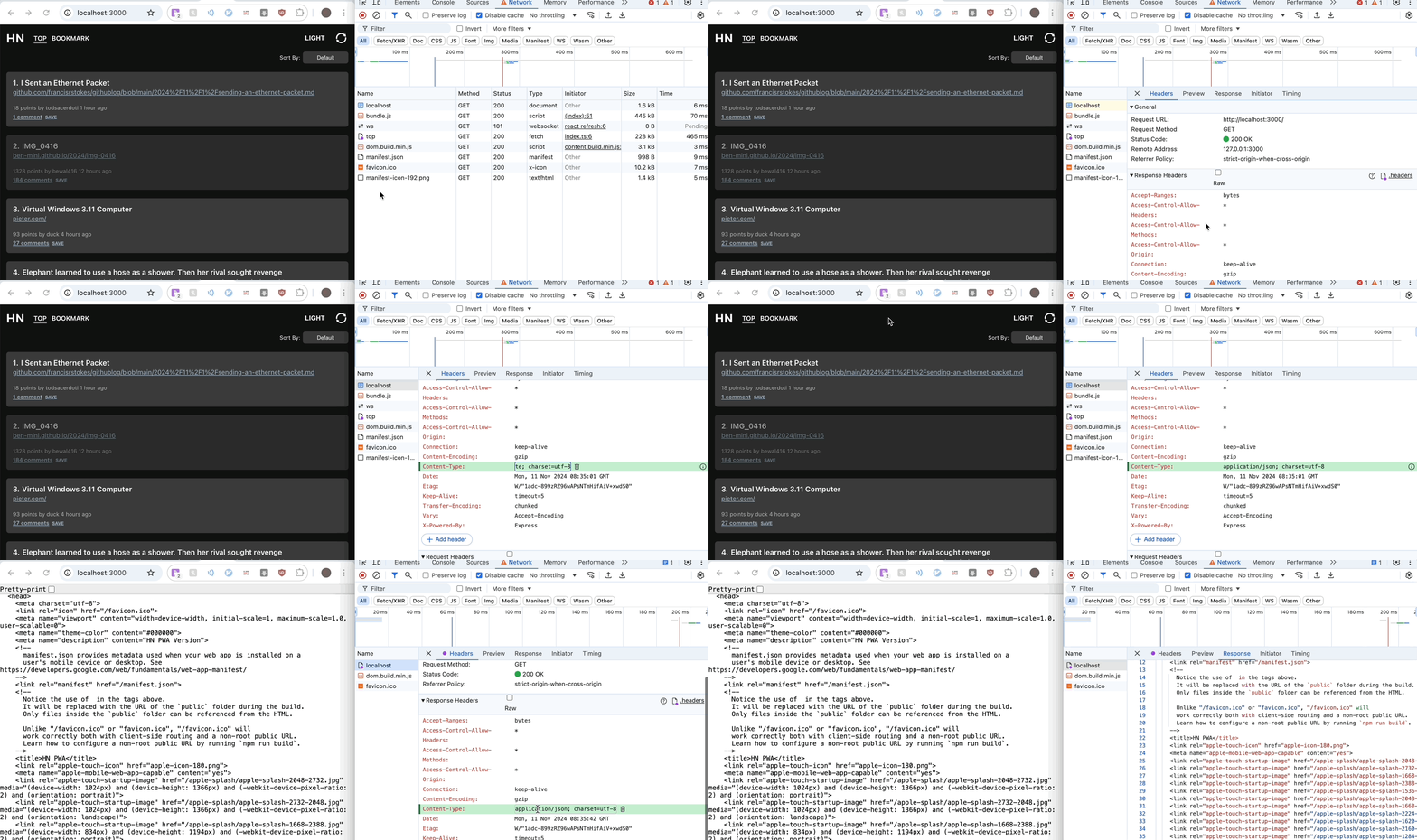
Appearance
Network Tab Tips
The network tab in the browser devtool allows developers to debug and monitor network requests on a given webpage.
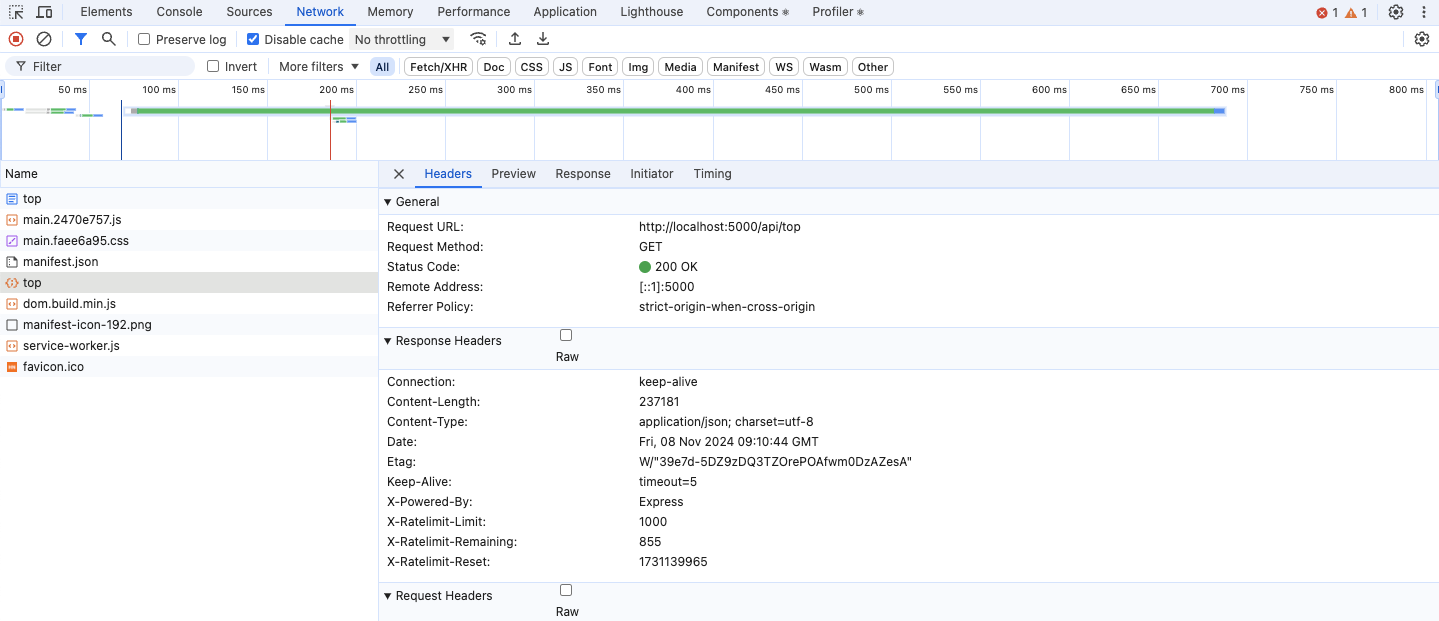
Below are some tips and tricks for the network tab.
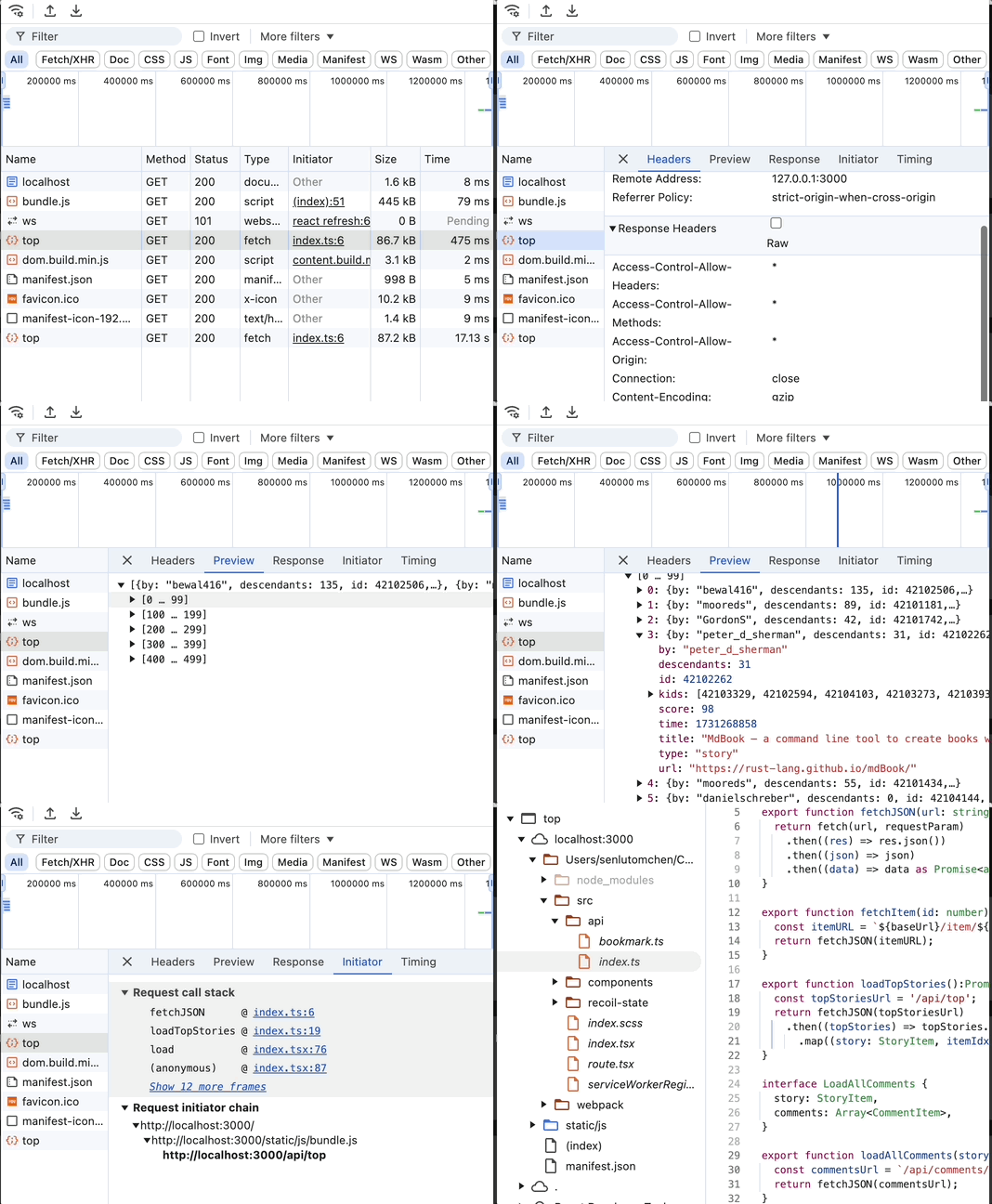
1. Request Table Columns
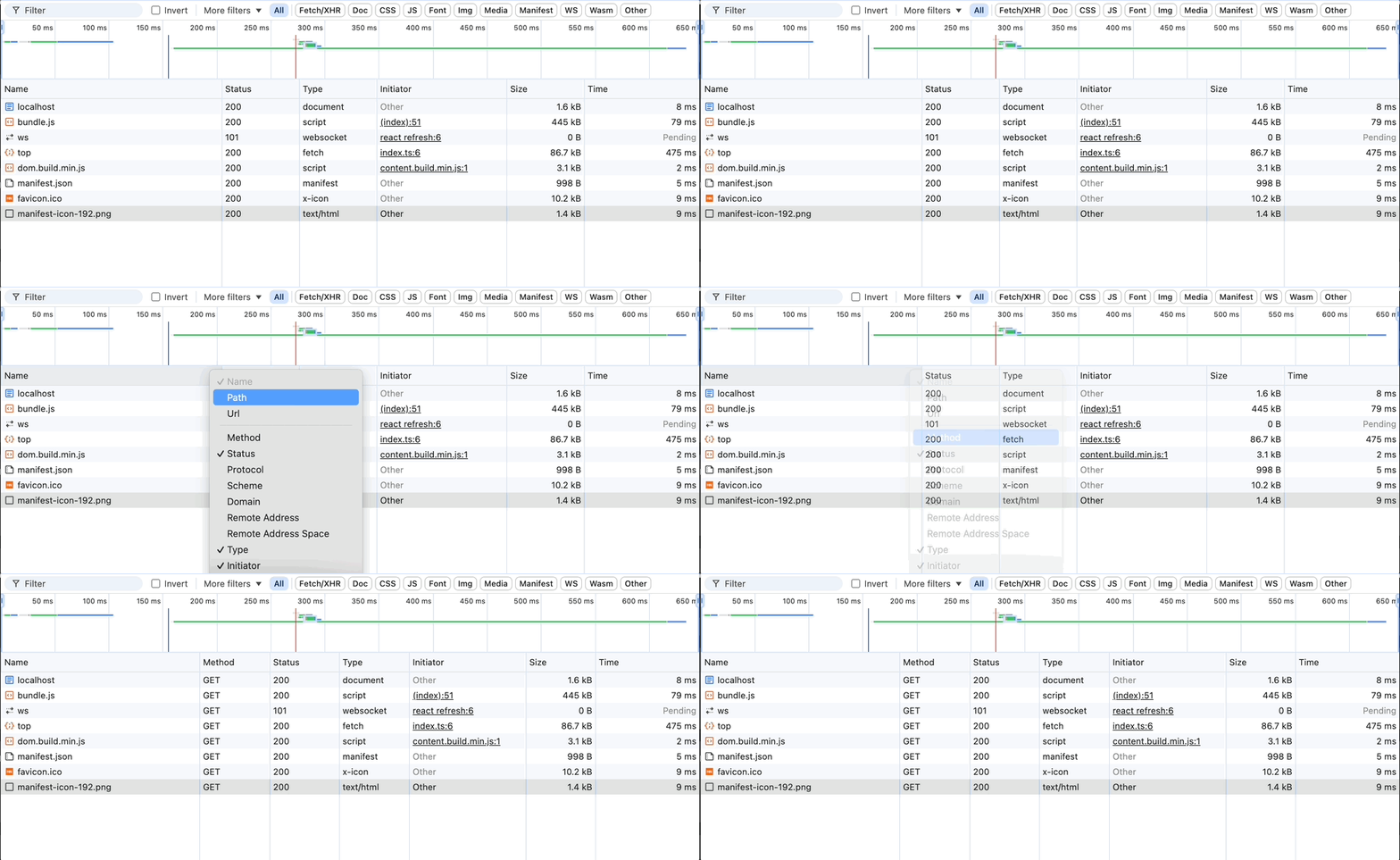
The request table columns can be modified to show additional useful information such as request method. The default columns such as status, type, size are all useful pieces of information as well to audit a request.
2. Throttle Network Speed
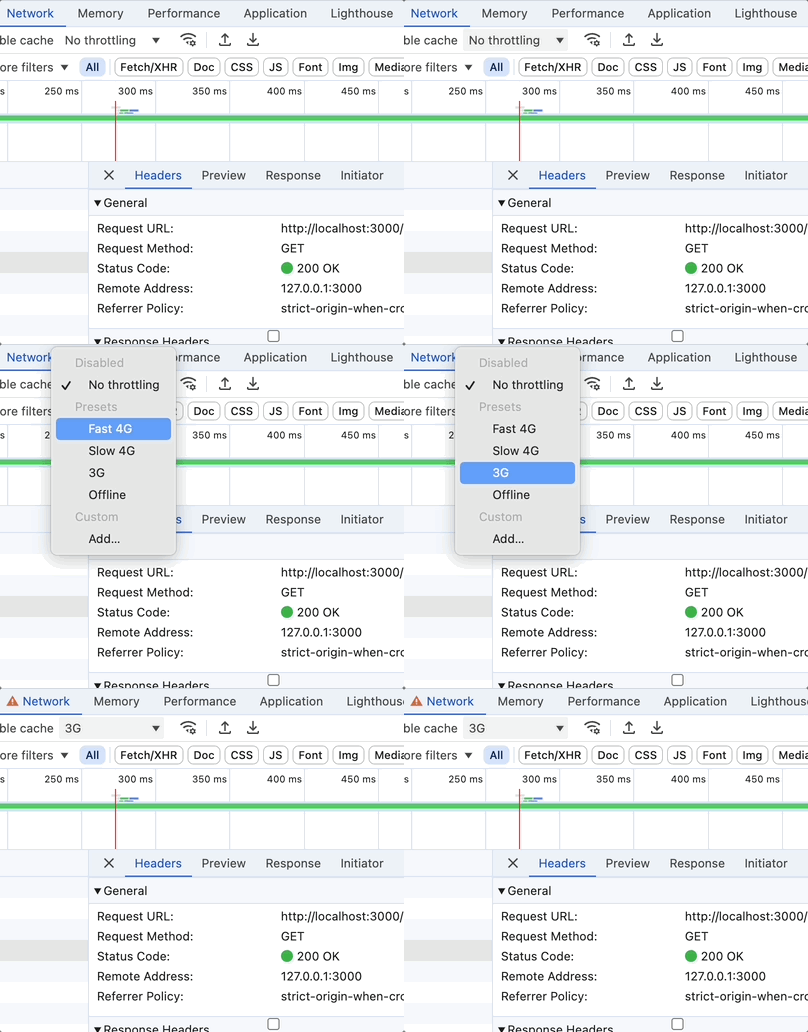
Throttling the network speed is a great way to simulate your web app being used in regions with slower internet speed.
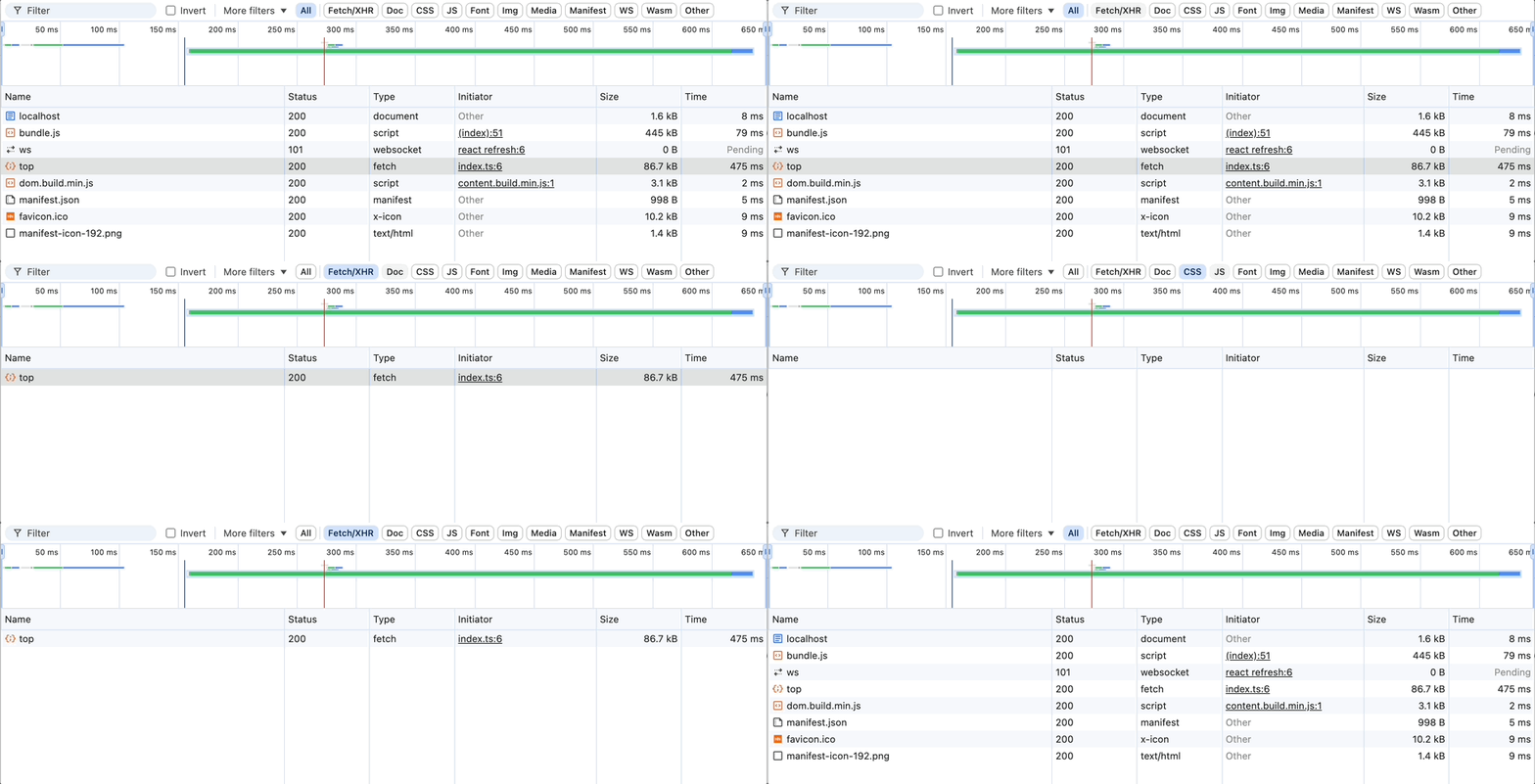
3. Filter By Request Type
Clicking on the request type filters the list of requests to the selected type, making it easier to find the request of interest.
4. Request Details
Clicking on a request will show the details panels. The tabs within this panel include:
- Header: includes information on the request and response headers.
- Preview: a structured view on the response payload.
- Response: the raw response payload.
- Initiator: contains the request call stacks to help identify where the request is coming from.
- Timing: contains information on request's timing such as Queued at, Start at, and the duration of each section of the request.
5. Copy Request
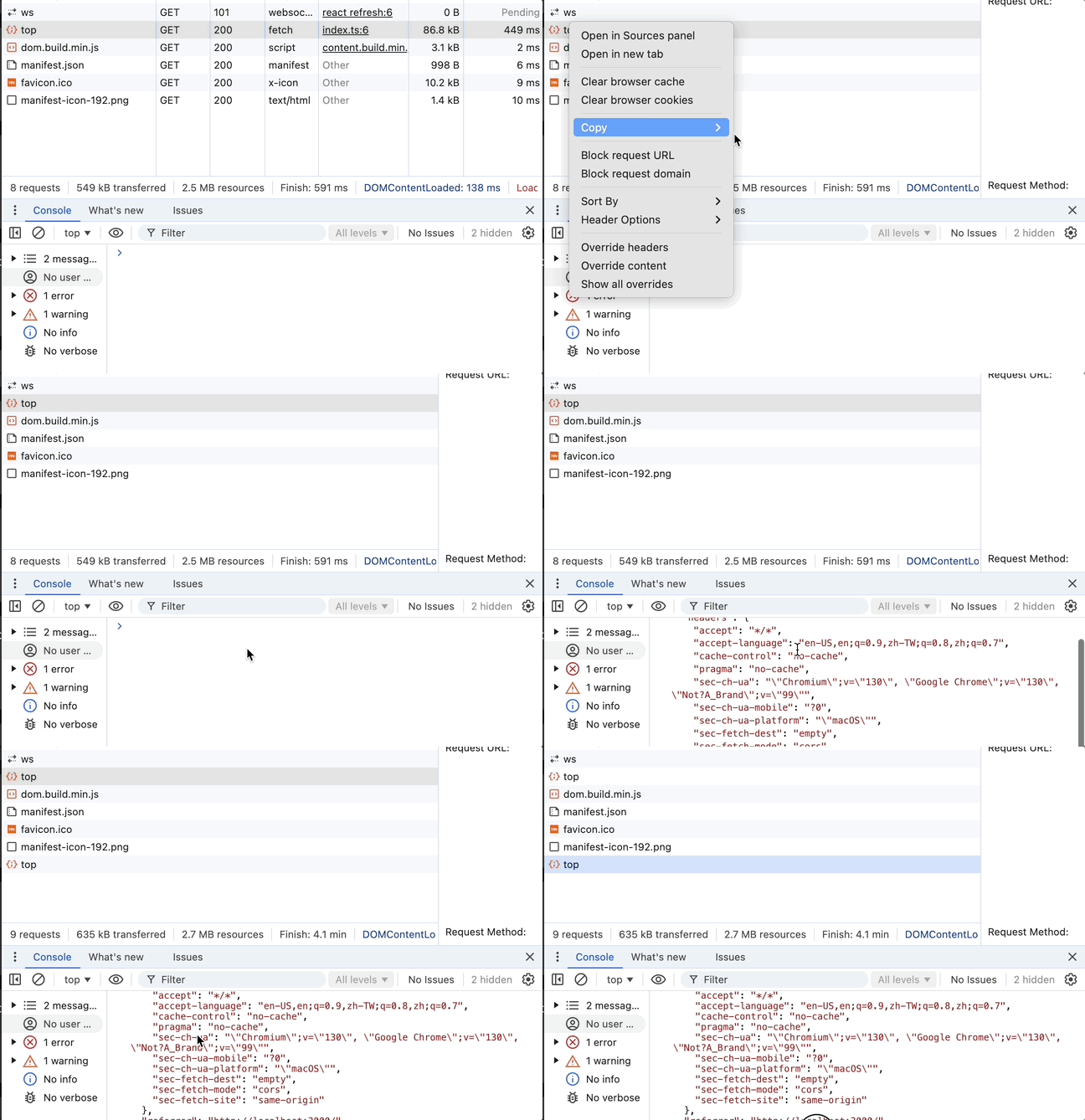
Right clicking on a request and clicking on copy allows you to copy the request in various ways (as fetch, as cURL etc). This is useful when testing API endpoints by allowing you to modify the parameters quickly.
6. Content Override
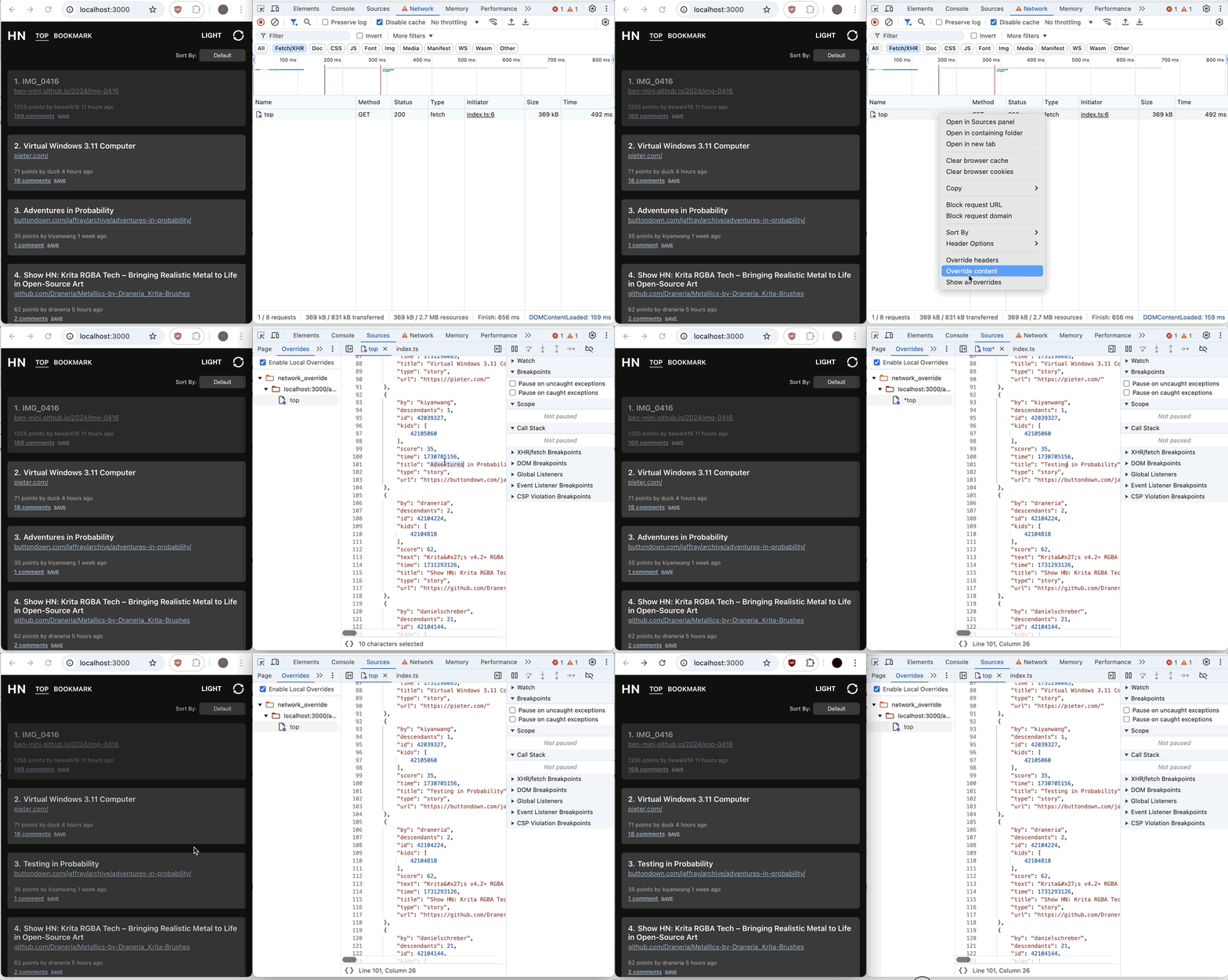
Content Override is a way to modify an API response locally. This is especially useful to make sure the Frontend can handle different responses from the backend without the need to modify the backend. Some common use cases for this include:
- Frontend can be developed while waiting for the backend to finish implementing the API.
- Modify the response content to make sure the UI formatting looks good visually. Example includes long strings formatting or number formatting, etc.
- Ensure there are no JavaScript errors if the API contains unexpected response.
7. Header Override
Similar to content override, the headers for a request can also be modified. The headers can be added/modified inline. This can be useful for testing certain specific header fields such as "Content-Security-Policy" for iframe policies.